DropStories
Instantly convert links into shareable Instagram Stories - paste, pick a template, post.
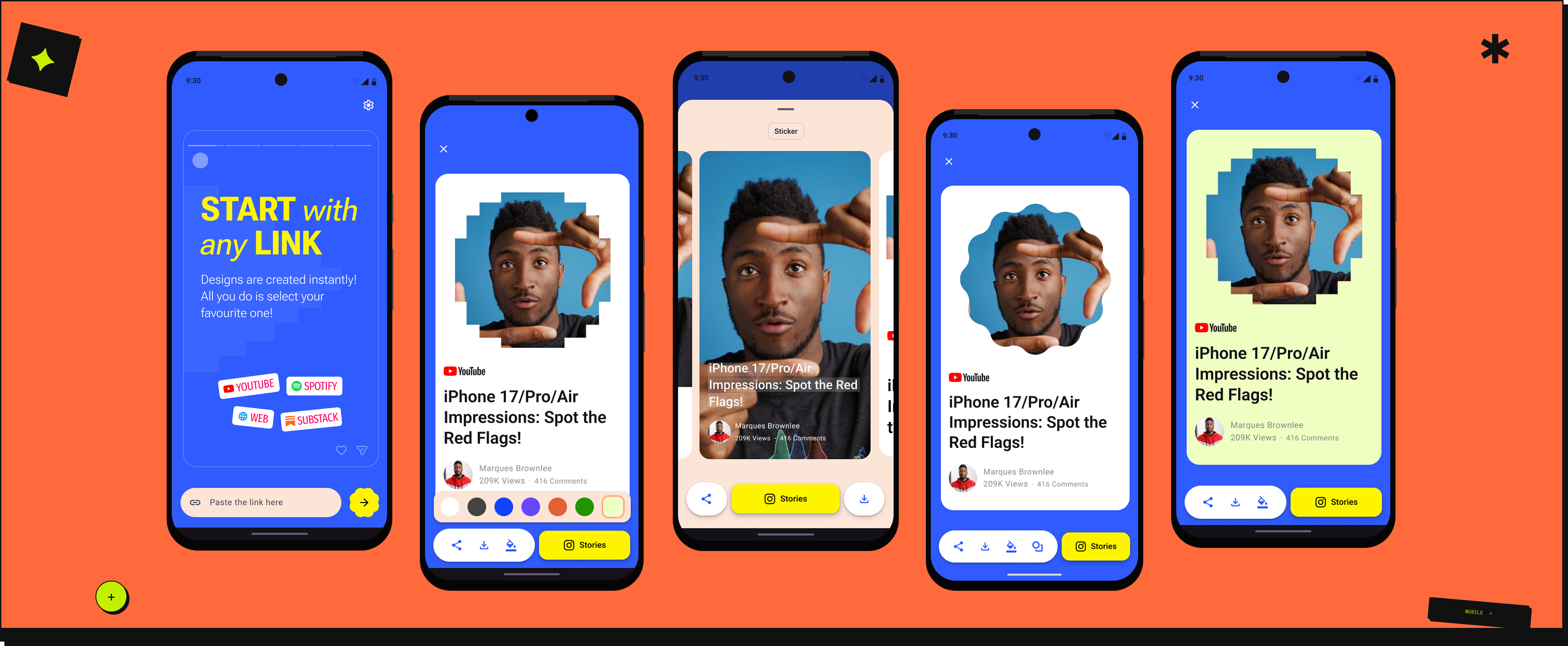
Instantly convert links into shareable Instagram Stories - paste, pick a template, post.
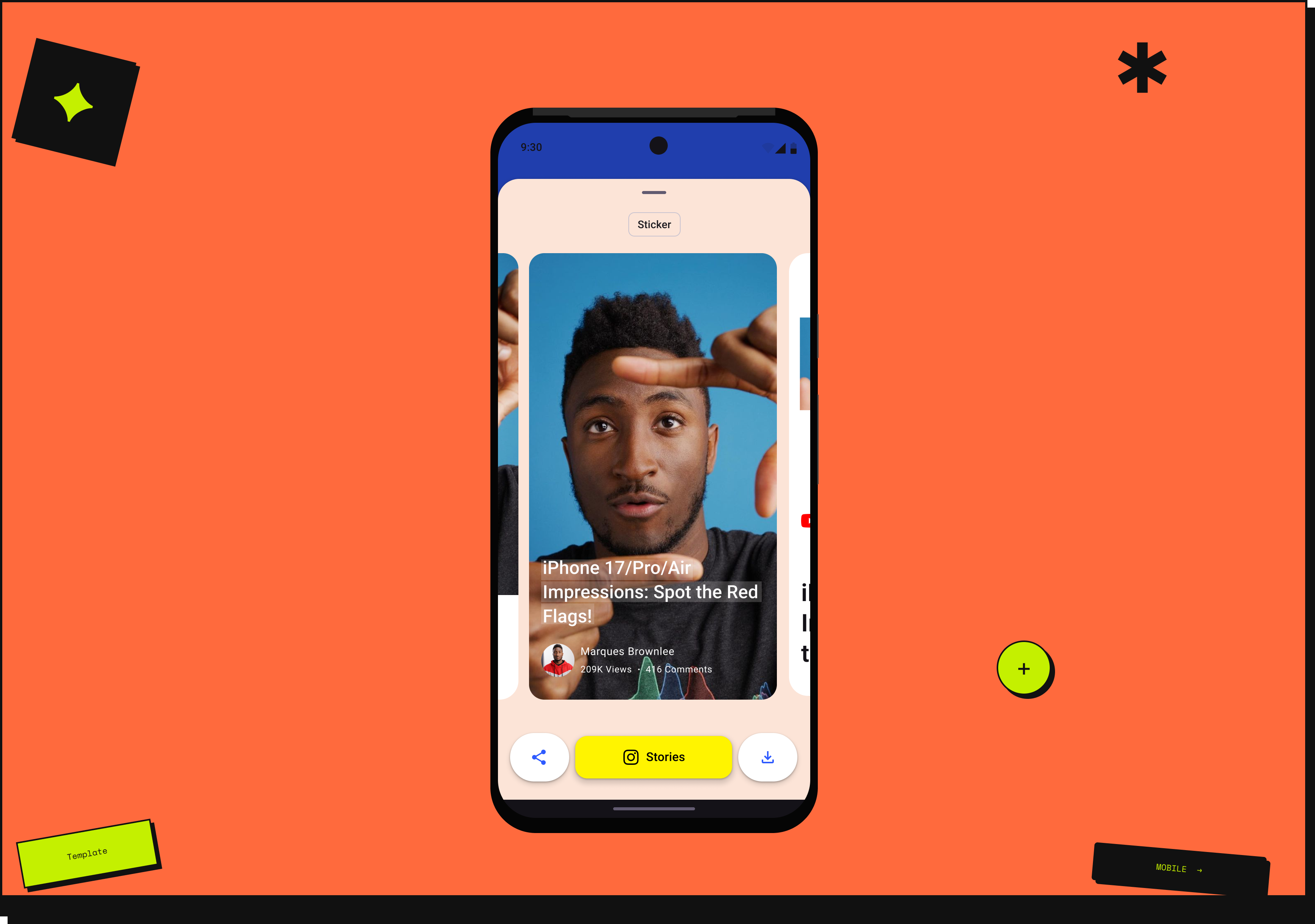
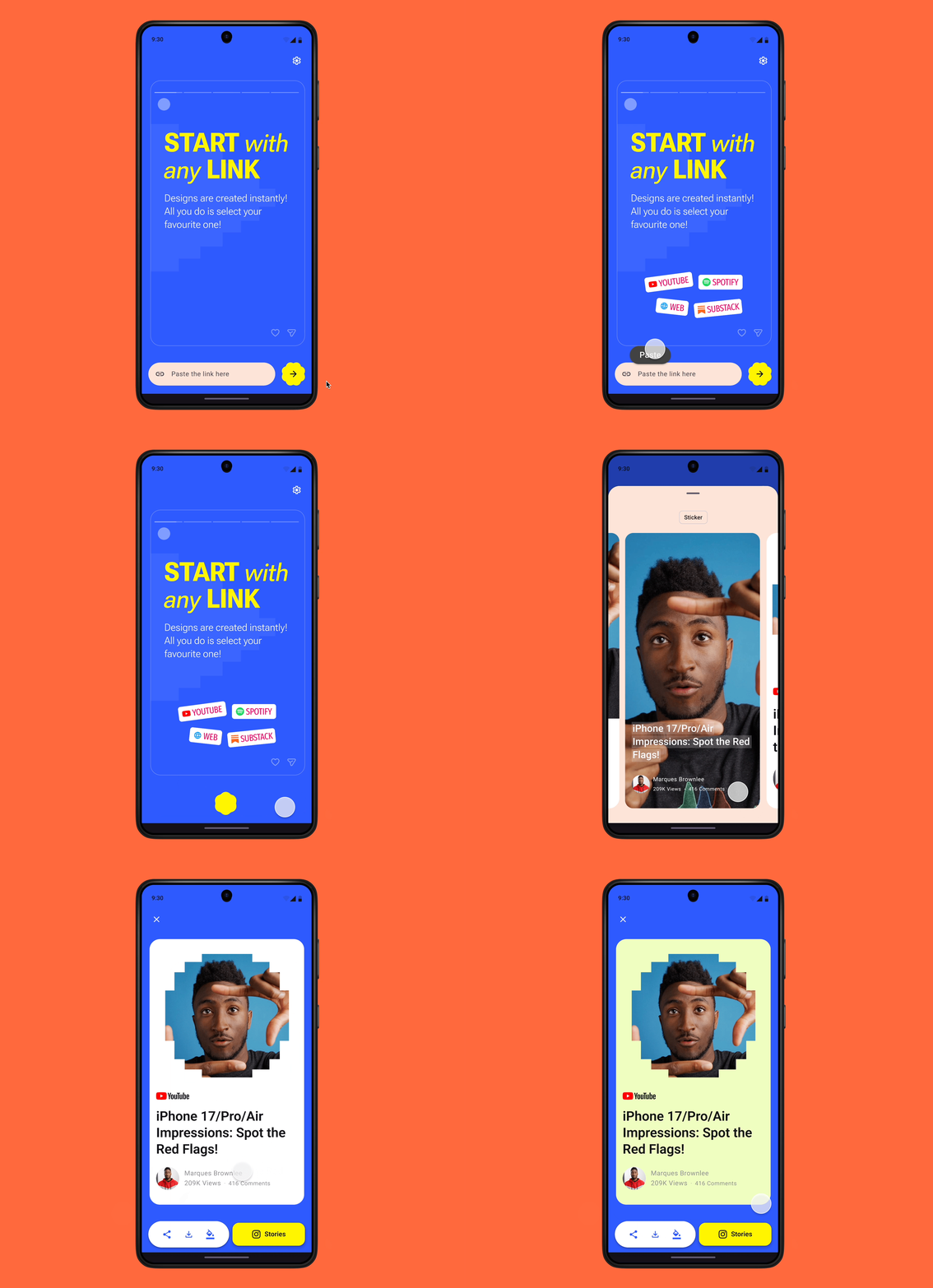
In collaboration with an indie developer, we conceptualized DropStories - an Android app designed to help users instantly convert links into shareable Instagram Stories. Users paste links from YouTube, Spotify, the web, or Substack, and the app transforms them into visually engaging designs for quick sharing.
Unlike my B2B work, this was a different kind of challenge. No PM, no research team, no brief. Just a problem worth solving and the full design responsibility on me.
This project ran alongside something bigger - I was on maternity leave. Having a real design problem to solve kept the work sharp and the scope intentional. The goal was simple: finish before the leave ended.
Before designing anything, we looked at what already existed. ToStories was the closest reference point - not a competitor, but a useful conversation. A friendly discussion with their team surfaced what users were asking for and where the gaps were.
The insight was clear: existing apps were trying to do too much. Video editing, collage, filters, multiple formats - and all of it on iOS. Android users who needed a simple, focused tool for turning links into stories had nothing built for them.
That became the brief. One job, one platform, done well.
Instagram Stories are widely used for sharing content and recommendations, yet converting external links into engaging stories remains a challenge.
Users who want to share links from other platforms often end up using multiple apps, resulting in an inefficient, fragmented workflow.
For YouTube creators, writers, and independent Spotify artists, sharing in the moment isn't optional - it's how they grow. A fragmented workflow doesn't just slow them down. It costs them the moment entirely.
Users needed a single-step solution - paste a link, get a beautiful story, share it instantly.
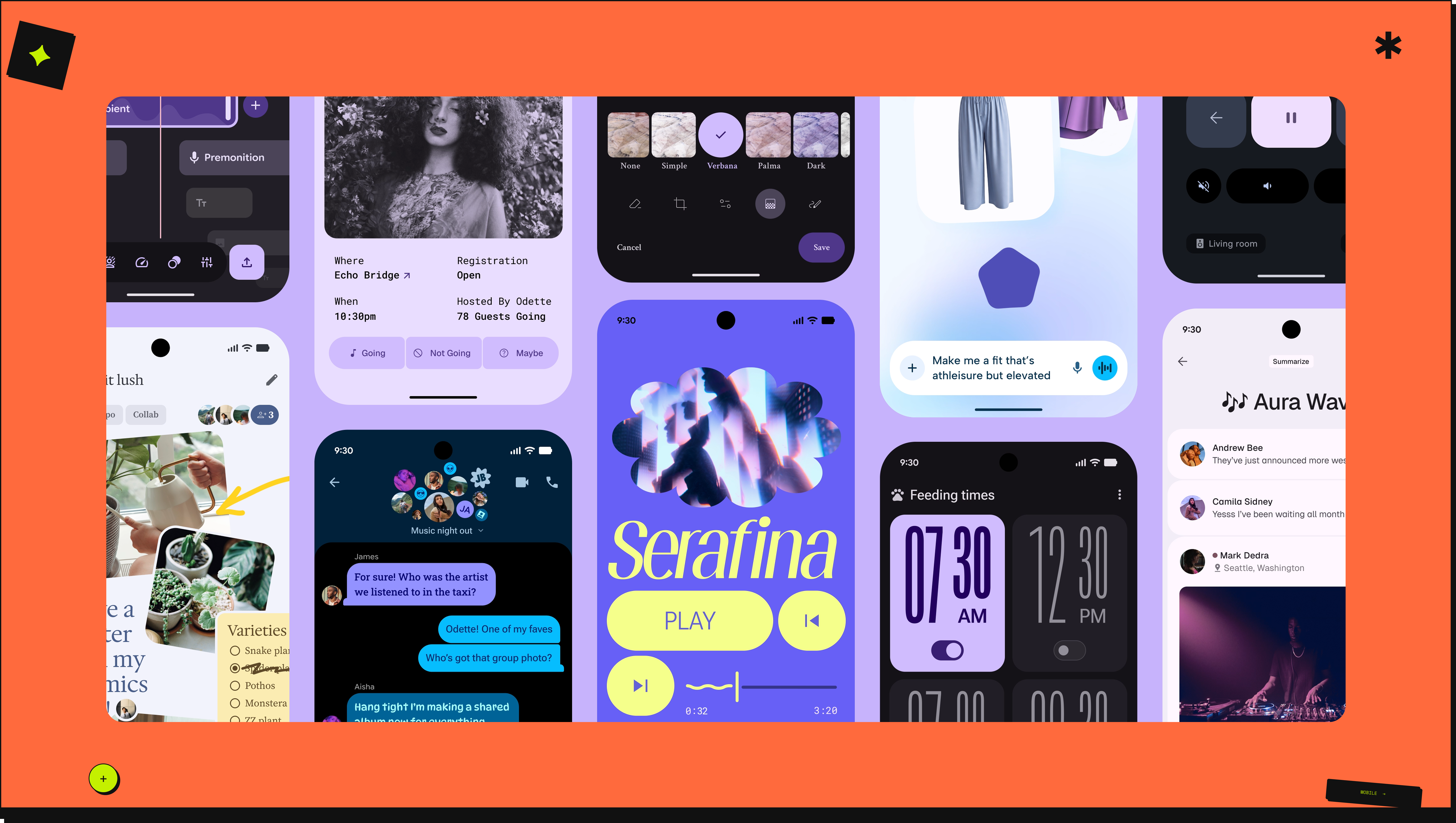
M3 Expressive is backed by extensive UX research and helps create interfaces that are more usable and engaging for users.
Image Source: https://m3.material.io/
Ship simple. The intermediate state helped validate the core flow before adding complexity.
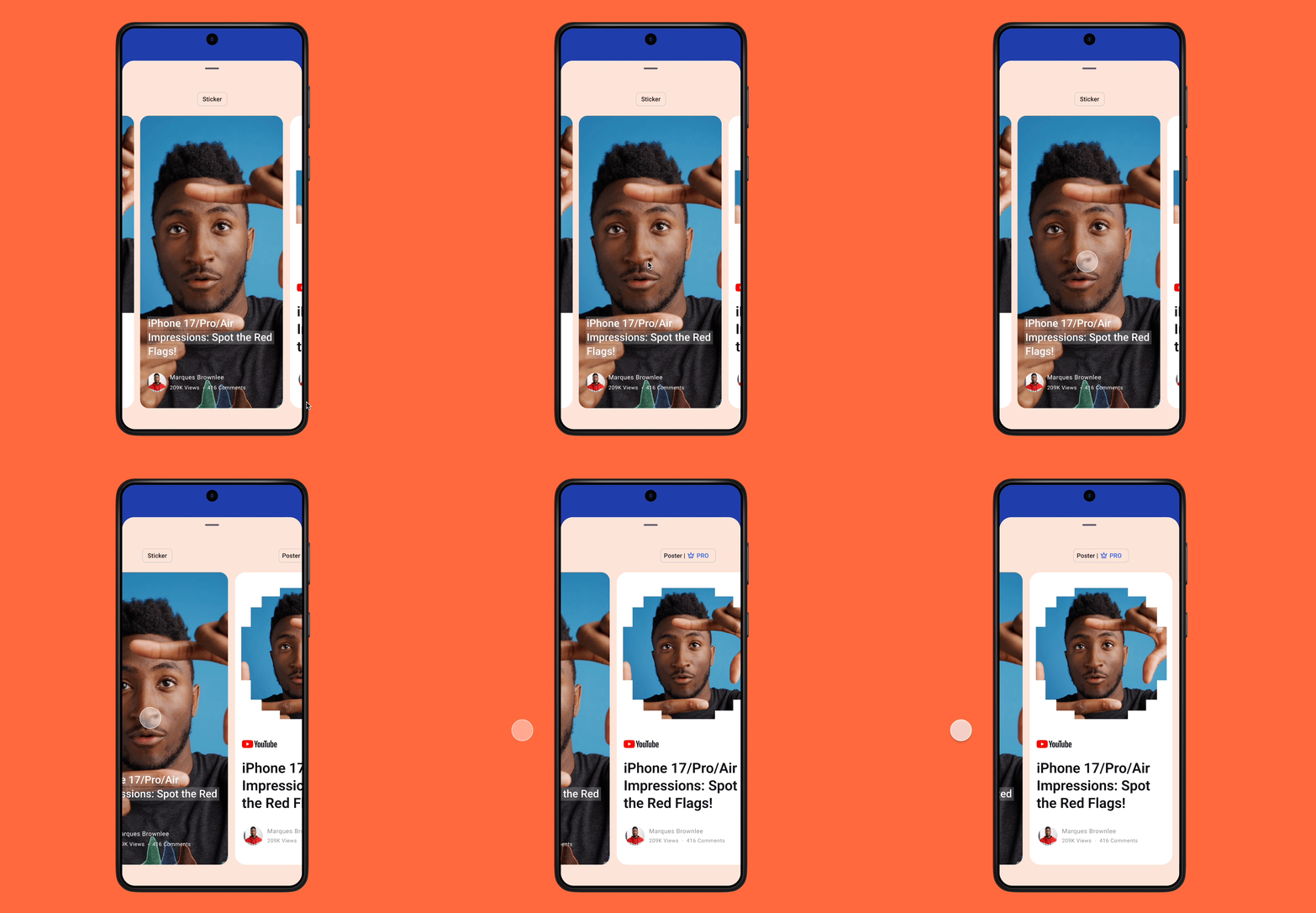
Interactions were designed in line with Material 3 motion principles - meaningful, purposeful, and non-distracting. The shimmering card effect on device rotation is one example of using motion to delight without overwhelming.
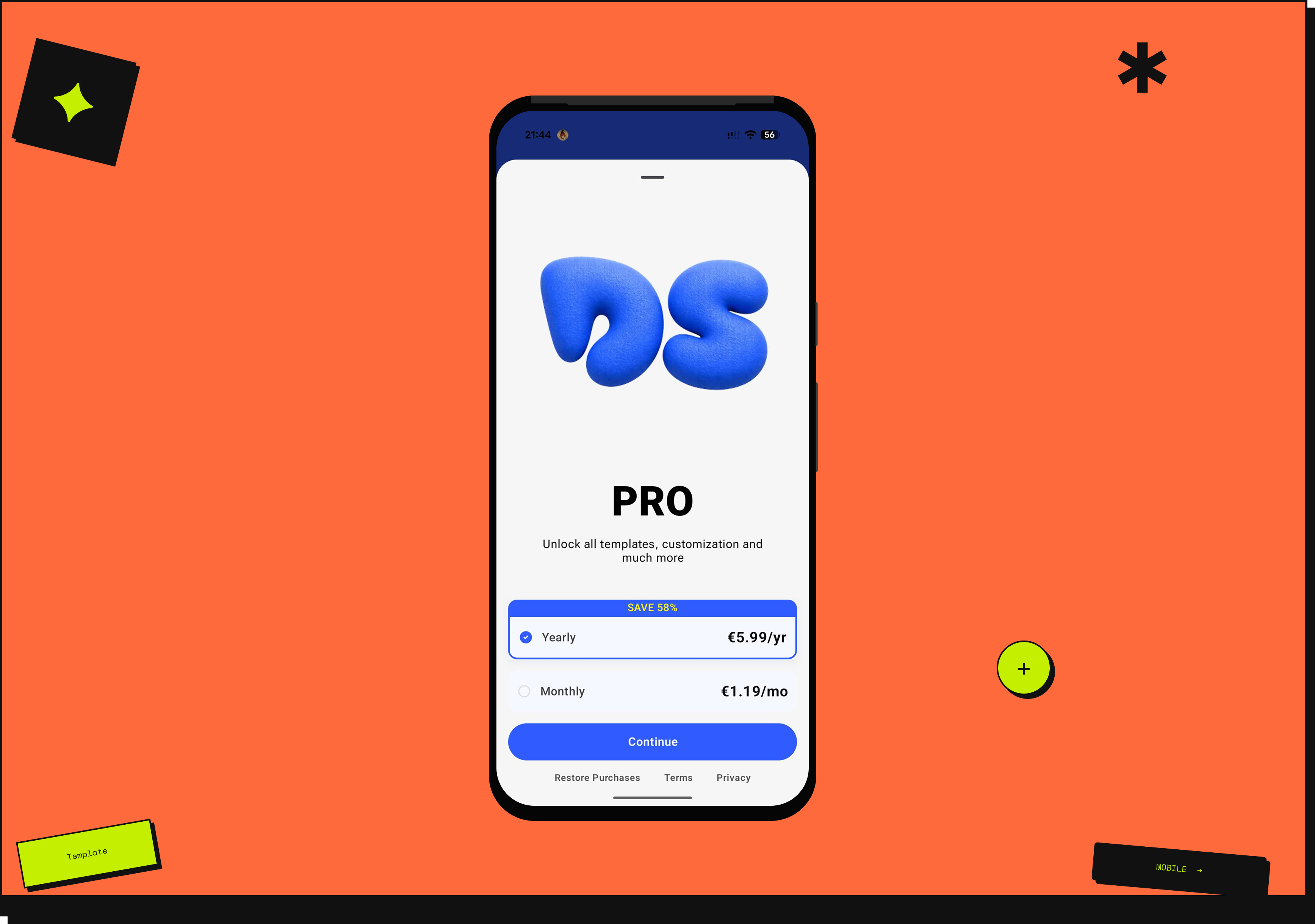
Payments are handled using RevenueCat. The focus was on customising the pricing screen UI to match the product's design system while integrating smoothly with RevenueCat's payment flow - keeping the experience on-brand end to end.
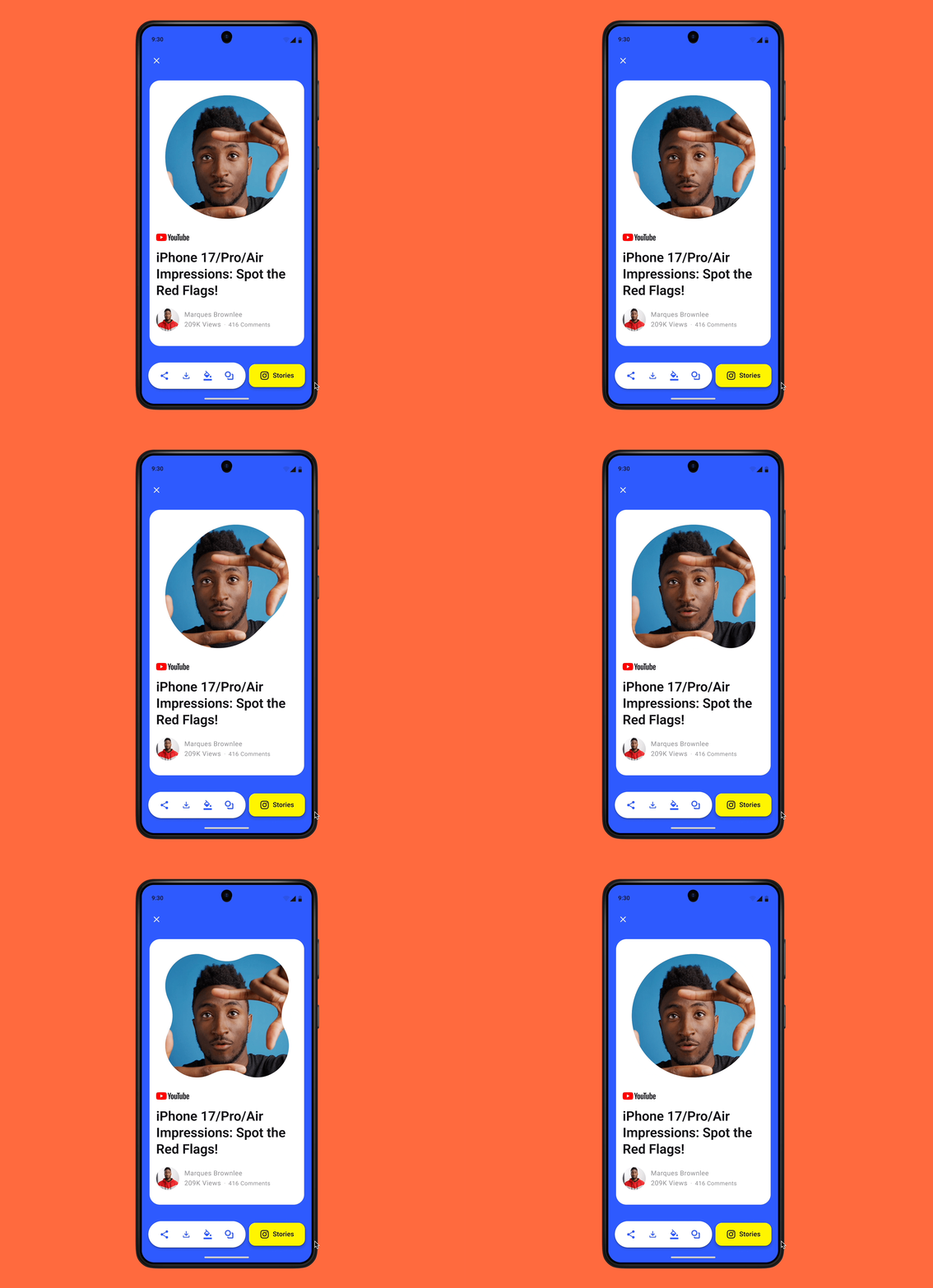
For the next iteration, a shape customisation option is planned - allowing users to change the image shape within templates using the new Material 3 Expressive shape system.
We tested with a small group of friends and colleagues before launch. No formal sessions, no structured scripts. Just real people using the app and telling us what broke. Most of the feedback was bugs, which is exactly what you want from an MVP test. It meant the core flow was clear enough to use, and the issues were fixable.
DropStories launched in April 2026 with no marketing, no branding push, and no paid acquisition. By May, the app had its first organic paid user. No campaign drove them there. They found it, understood it, and paid for it. For a zero-marketing launch, that is meaningful early validation that the core concept works.
Colour and shape customisation are planned for the next version, giving creators more control over how their stories look and feel.